
Miro

on Miro Worldwide
Work Through Miro
on the Platform
Templates
Overview
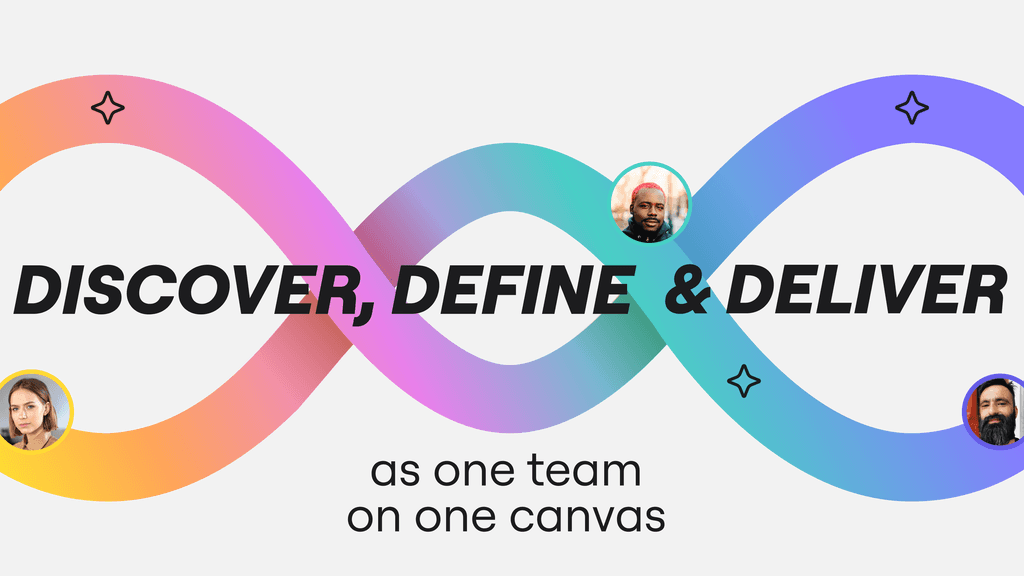
Miro is an AI-powered visual workspace built around what the company calls the Intelligent Canvas — a single, infinite, multiplayer surface where teams brainstorm, diagram, plan, and build alongside AI agents instead of switching between separate tools for each stage of a project. Rather than one narrow product, Miro spans structured formats — whiteboards, diagrams, kanban boards, tables, docs, and slides — all living on the same canvas so work started as a loose sketch can turn into a roadmap, a spec, or a set of AI prompts without leaving the page.
Founded to break down silos between distributed teams, Miro is now used by over 100 million people across more than 250,000 companies, from startups to large enterprises, spanning use cases from early-stage brainstorming and research synthesis to agile workshops, customer journey mapping, and technical documentation. Its AI layer — Miro AI, AI Workflows, Blueprints, and an MCP server for connecting external AI agents — is positioned as a way for teams to move beyond individual AI productivity into shared, cross-team collaboration with AI.
Key Features & Miro Capabilities
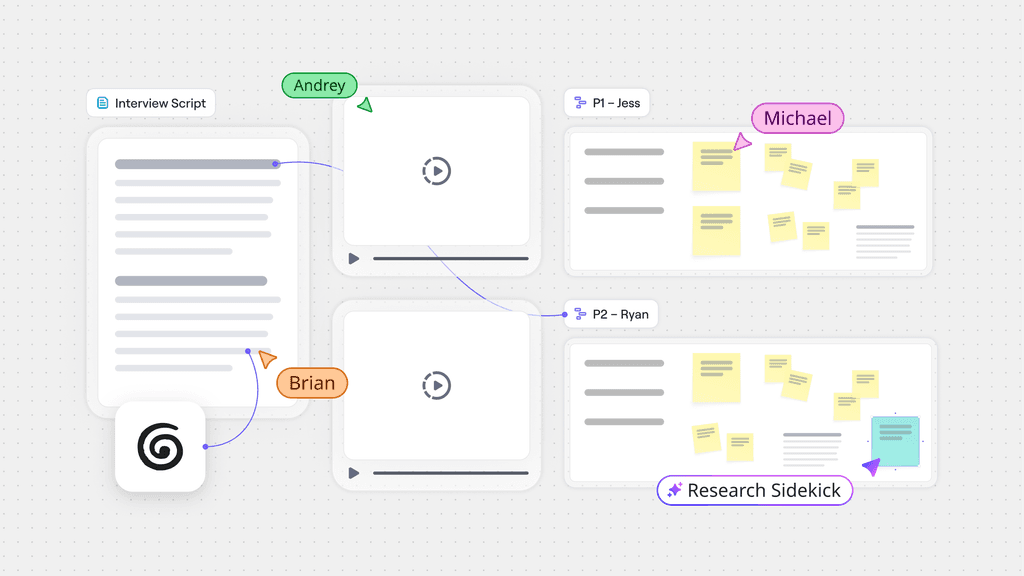
One infinite, multiplayer canvas that holds every format a team needs — sticky notes, diagrams, docs, tables, and slides — so ideas move from rough sketch to structured plan without exporting between separate apps.
AI features embedded directly on the canvas generate diagrams, summarize sticky-note clusters, turn research into structured plans, and run multi-step AI Workflows that hand work between people and agents.
A Model Context Protocol server and a library of Connectors let external AI tools such as Claude read from and write to a Miro board, pulling research or writing plans directly onto the canvas.
Purpose-built formats — Diagrams, Kanban boards, Tables, Docs, Slides, and Timelines — sit inside the same board as free-form whiteboarding, so structured work and open brainstorming share one source of truth.
Reusable, repeatable workflow templates that encode a team's own process — a design sprint, an intake process, a planning cycle — so recurring work follows a consistent, scalable structure every time.
Built-in prototyping and wireframing tools let product and design teams mock up interfaces directly on the canvas, while native Mermaid diagram support turns text-based diagram syntax into editable visuals.
TalkTrack records a narrated walkthrough of a board for asynchronous review, and Engage brings live, presenter-led interaction into workshops and meetings so remote participants stay involved in real time.
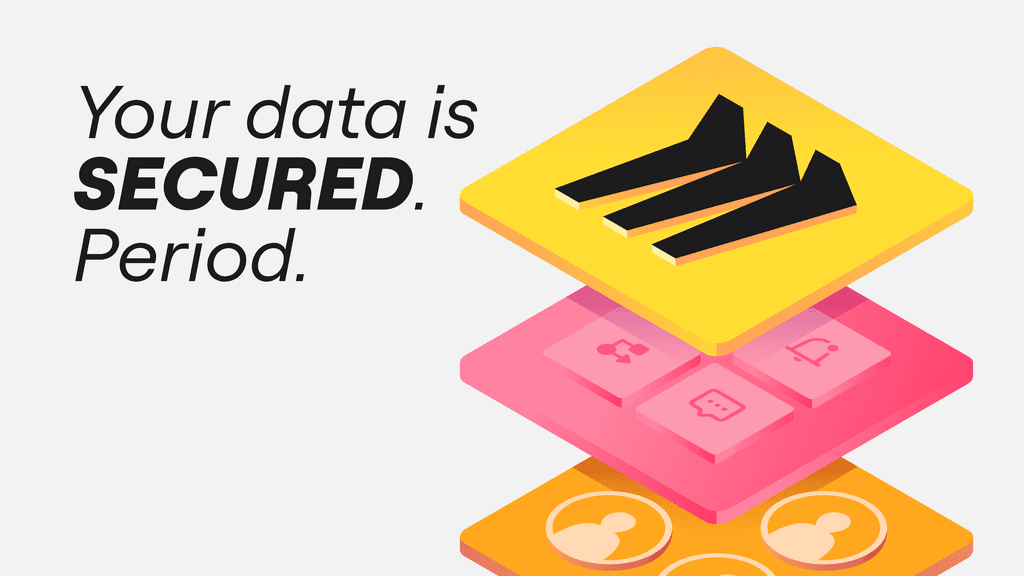
Board-level and organization-wide access controls, audit logs, and data-governance tooling through Enterprise Guard, backed by ISO 27001, ISO 42001-readiness, SOC 2, and GDPR compliance.
Miro Platform Overview
Miro's own overview of "the AI platform for teamwork" — showing how the Intelligent Canvas, structured formats, and Miro AI work together to move a team from individual AI use to shared, cross-team collaboration.
Deep Dive: The Miro Product Family
Miro is organized as one platform with many entry points: a set of structured formats for different kinds of work, an AI layer that connects and automates them, and platform-level tools for security, integration, and workflow repeatability — all living on the same Intelligent Canvas rather than in separate applications.
Intelligent Canvas™
The core, infinite multiplayer surface underneath every other Miro format — where teams and AI agents co-edit sticky notes, diagrams, and documents together in real time, on one shared board.
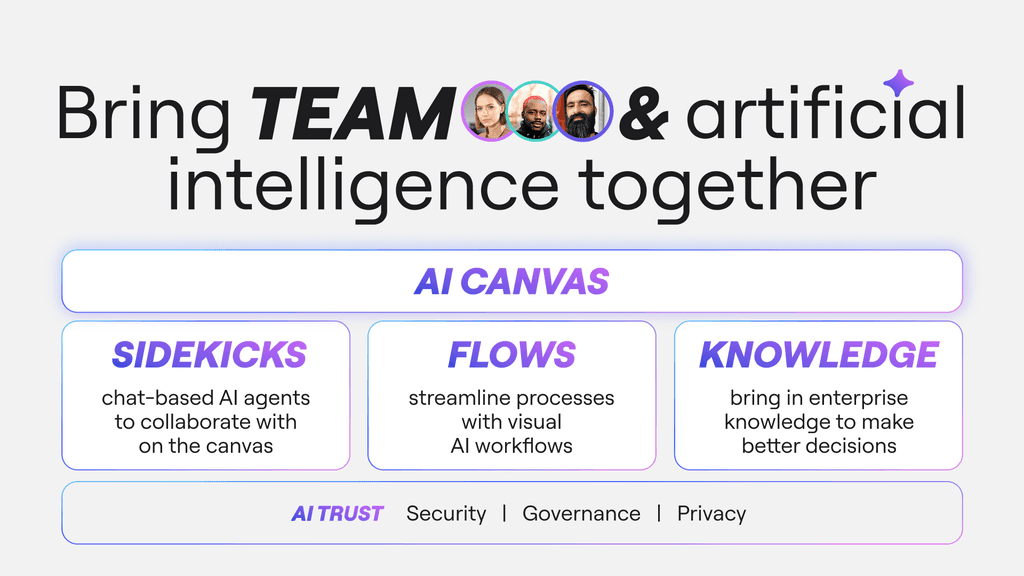
AI Workflows (Flows)
Multi-step, AI-assisted workflows that automate repetitive canvas work — clustering notes, generating first-draft diagrams, or routing a review — so teams spend less time on manual setup and more on decisions.
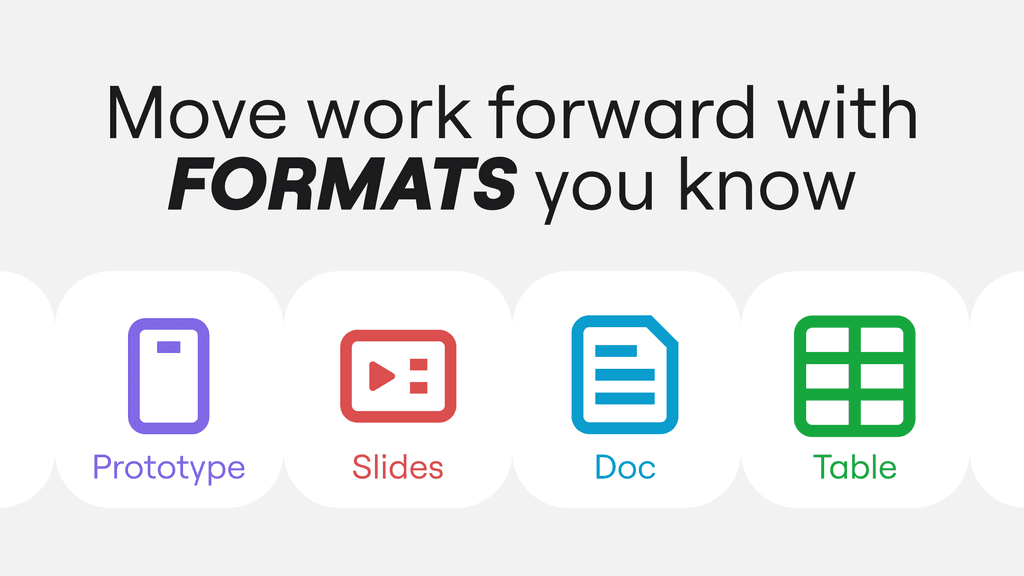
Diagrams
A dedicated format for flowcharts, org charts, network diagrams, and process maps, with shape libraries and smart connectors that keep complex diagrams readable as they grow on the shared canvas.
Kanban
Card-based Kanban boards for tracking work in progress alongside the rest of a team's planning and brainstorming, so task tracking doesn't require a separate project-management tool.
Tables
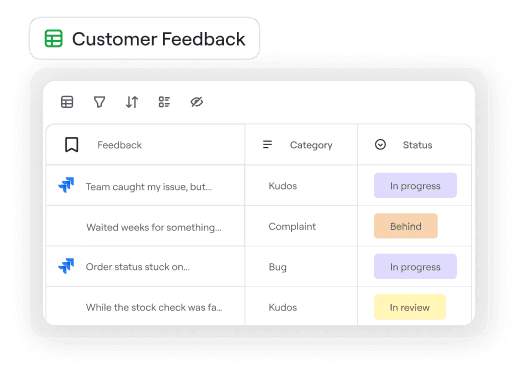
A structured, spreadsheet-like format for organizing data such as roadmap items or research findings directly on the canvas, including built-in timeline views for scheduling.
Docs
A long-form writing format for specs, briefs, and meeting notes that stays linked to the visual work around it, so a written decision and the diagram that produced it live on the same board.
Slides
A presentation format built directly from canvas content, letting a team turn a working board into a shareable slide deck without re-creating the material in a separate presentation tool.

Mermaid Diagrams
Native support for Mermaid syntax turns text-based diagram definitions — often generated by AI tools or pasted from code documentation — directly into editable Miro diagram objects.

Blueprints
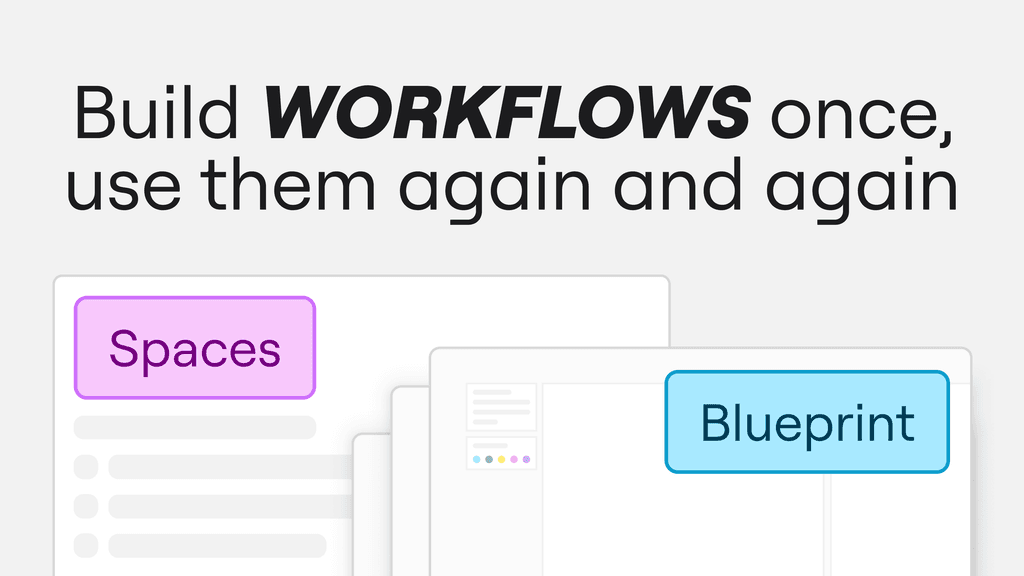
Pre-structured, repeatable process templates that encode a recurring workflow — such as a quarterly planning cycle or an intake process — so it runs the same scalable way every time it's used.
MCP Server & Connectors
A Model Context Protocol server exposes board content to external AI tools such as Claude, so agents can read from and write to a Miro board as part of a broader AI workflow.
Benefits
- ✓One infinite canvas replaces a stack of separate whiteboarding, diagramming, and presentation tools with a single shared source of truth
- ✓Real-time multiplayer editing lets distributed teams work on the same board together, closing the gap remote and hybrid work can create
- ✓6,000+ ready-made templates give teams a fast starting point instead of building common workflows from a blank board
- ✓Miro AI and AI Workflows automate repetitive canvas work such as clustering notes, drafting diagrams, and summarizing research
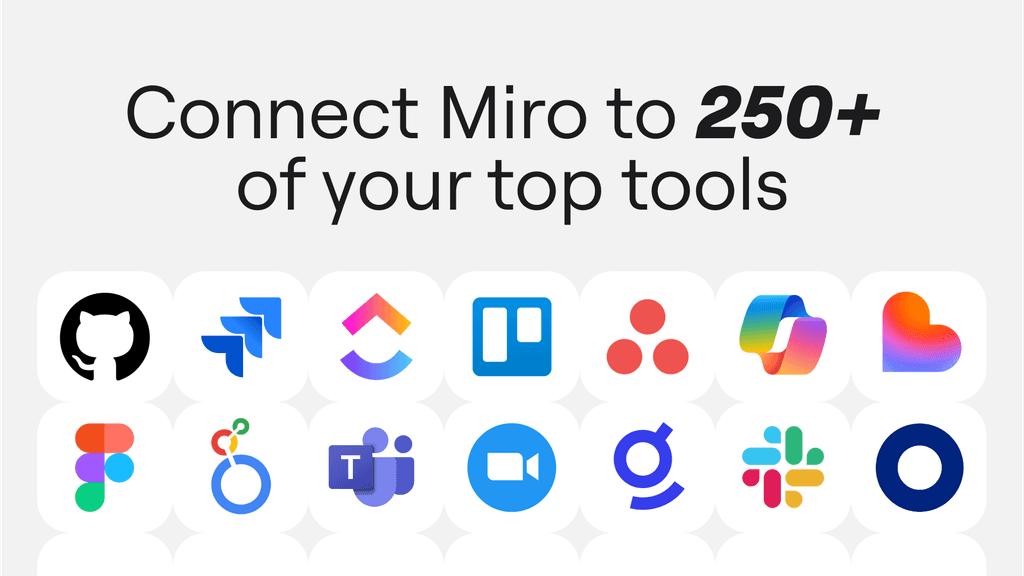
- ✓An MCP server and 250+ integrations connect Miro to the rest of a team's toolchain, from AI assistants to project-management software
- ✓Customer-reported results include up to 3.6x faster time to market and a 50% shorter planning process in published case studies
- ✓ISO 27001, ISO 42001-readiness, SOC 2, and GDPR compliance support enterprise security and data-governance requirements
- ✓Blueprints turn a team's own recurring process into a repeatable, scalable template instead of reinventing the workflow each time
- ✓Desktop, web, and mobile apps keep a board accessible and editable from whichever device a team member is using
- ✓A generous free plan and transparent paid tiers let teams start small and scale up as adoption grows across the organization

Plans & Pricing Model
A no-cost entry tier with a limited number of editable boards and core formats, letting individuals and small teams try the Intelligent Canvas before committing to a paid plan.
Paid subscription tiers add unlimited boards, expanded AI usage, deeper integrations, and administrative controls, scaling from small teams up through Business and Enterprise plans built for large organizations.
Dedicated plans and pricing exist for startups, consultants and agencies, education, and non-profit organizations, alongside a Professional Services offering for enterprise rollouts.
Deployment Options
Miro Web App
The core Miro experience runs entirely in the browser as a hosted, cloud-based platform, with no local installation required to create, edit, or present a board.
Miro for Devices
Native desktop apps for Windows and macOS and mobile apps for iOS and Android keep boards accessible offline-friendly and optimized for smaller screens and touch input.
Miro Developer Platform & Apps
A developer platform and app marketplace let teams build custom apps and integrations on top of Miro, extending the canvas with bespoke functionality beyond the built-in formats.
Integrations & AI Connectivity
Industry Applications
| # | Industry | Application & Business Impact |
|---|---|---|
| 01 | Digital & SaaS Companies | Product and engineering teams use the Intelligent Canvas for roadmapping, sprint planning, and technical design documentation, keeping Jira and GitHub work linked back to the diagrams and specs that shaped it. |
| 02 | Professional Services & Consulting | Consultancies run client workshops and strategy sessions on Miro boards, using Blueprints to standardize recurring engagement formats and Engage to keep remote client stakeholders involved live. |
| 03 | Manufacturing | Manufacturing teams map processes and production workflows with Diagrams and Tables, coordinating cross-functional planning between engineering, operations, and supply-chain stakeholders on one shared board. |
| 04 | Retail | Retail brands use Miro for seasonal planning and merchandising reviews, bringing design, buying, and marketing teams together on a shared board to align on collections before launch. |
| 05 | Financial Services | Financial institutions rely on Enterprise Guard and SOC 2/ISO-certified security controls to run process mapping, compliance workshops, and org design work within governance requirements. |
| 06 | Life Science & Pharma | Research and clinical teams use research-synthesis workflows to turn findings from multiple sources into a shared direction, then flow decisions back out into planning and documentation formats. |
| 07 | Education | Educational institutions use Miro's education pricing and templates for collaborative lesson planning, curriculum mapping, and interactive remote or hybrid classroom sessions. |
| 08 | Government | Government agencies use Miro for cross-department planning and service-design workshops, with Enterprise Guard and compliance certifications supporting stricter public-sector security requirements. |
| 09 | Startups | Startups use the free and startup-tier plans to run early-stage brainstorming, product ideation, and pitch-deck work on one canvas without paying for a full suite of separate tools. |
Summary
Miro's value proposition rests on collapsing the fragmented toolchain of modern collaborative work — sticky notes, diagrams, kanban boards, docs, tables, and slides — into one Intelligent Canvas, used by over 100 million people across more than 250,000 companies. That consolidation is reinforced by an AI layer (Miro AI, AI Workflows, Blueprints, and an MCP server) designed to move teams beyond individual AI productivity into shared, cross-team collaboration with AI agents.
With 250+ integrations, 6,000+ templates, enterprise-grade security certifications (ISO 27001, ISO 42001-readiness, SOC 2, GDPR), and desktop, web, and mobile access, Miro positions itself as the shared workspace that carries a project from a first rough idea through research, planning, design, and execution — without the work needing to be rebuilt in a different tool at each stage.